PDF Awesome Enhances Its Online PDF Platform With Redesigned Interfaces and Improved Document Workflows
PDF Awesome enhances its 23 online PDF tools with improved functionality, smoother workflows, and a more accessible
Press Release Disclaimer: This is a press release distributed through the XPR Media network. It has not been independently verified by our newsroom.
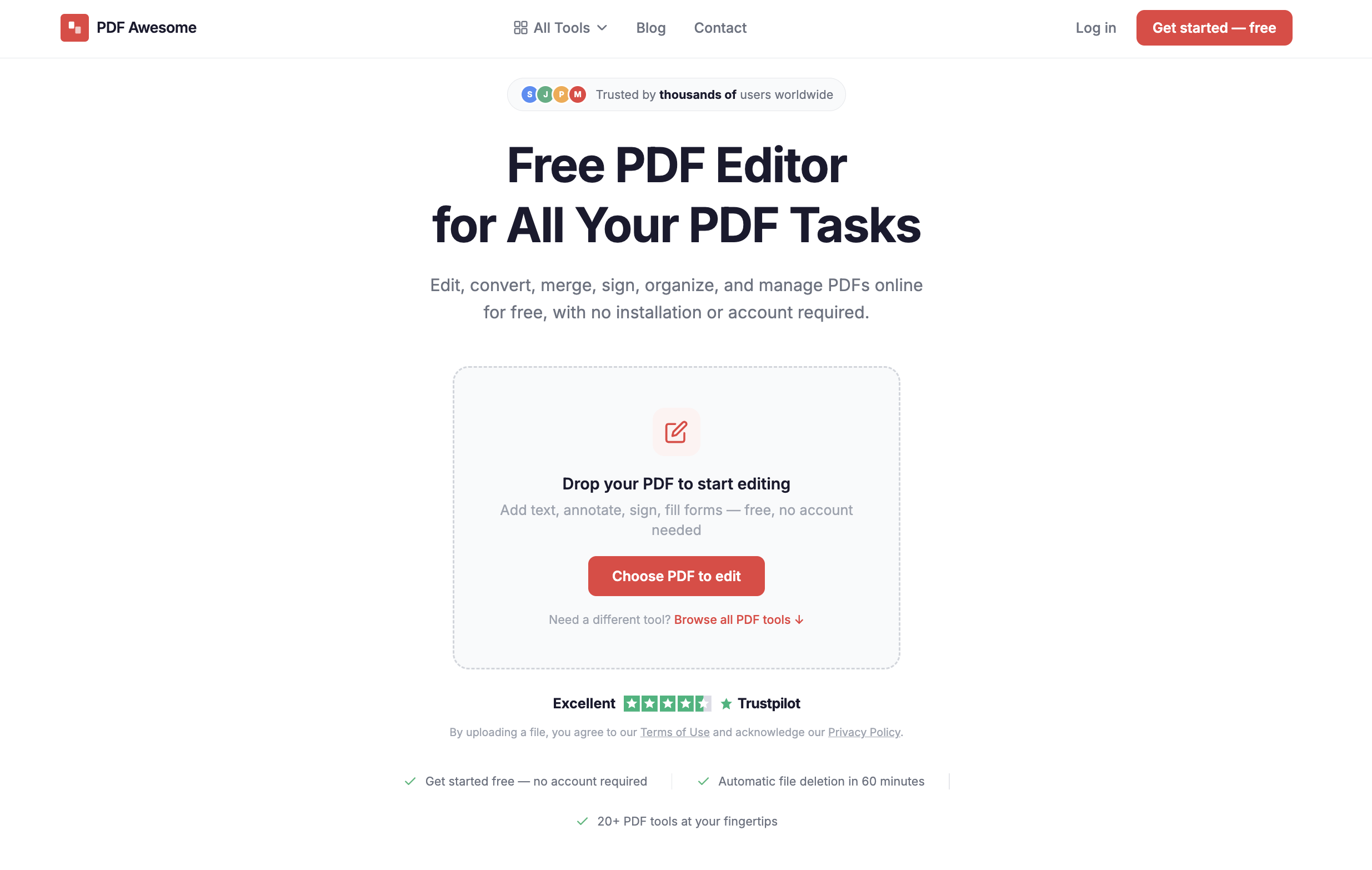

PDF Awesome enhances its 23 online PDF tools with improved functionality, smoother workflows, and a more accessible document management experience.
NEWARK, DE, UNITED STATES, November 25, 2026 /EINPresswire.com/ — PDF Awesome has introduced a series of platform-wide improvements to its online PDF platform, featuring redesigned interfaces across its website and individual tools, alongside functional enhancements intended to make everyday document tasks easier to manage.
The update focuses on improving how users interact with PDF tools, from uploading and editing documents to organizing, compressing, and converting files. The refreshed interfaces provide a more consistent experience across the platform, while workflow improvements aim to make common PDF operations clearer and more straightforward.
A More Connected Experience for Everyday PDF Tasks
PDF Awesome brings 23 browser-based tools together in one platform, covering document editing, organization, conversion, and security. Users can edit PDF content, merge multiple documents, split files, compress PDFs, extract text, add page numbers, rotate or delete pages, and convert documents between PDF and other commonly used formats.
The platform’s Edit PDF tool allows users to make changes directly in a browser. Its editing capabilities include modifying existing text, adding or replacing images, inserting annotations, highlighting content, drawing shapes, and adding signatures. This gives users a way to make document changes without first converting their PDFs into another file format.
For users working with large documents or files that need to be shared or stored more efficiently, the Compress PDF tool offers four compression presets: High Quality, Balanced, Strong, and Maximum. Users can compare estimated file sizes before downloading the compressed document, helping them choose a suitable balance between file size and visual quality.
Designed Around Practical Document Workflows
The platform-wide improvements also address the experience of moving between different PDF tasks. Rather than treating editing, conversion, compression, and document organization as disconnected activities, PDF Awesome brings these capabilities together in a single online destination.
Users can access the tools through a web browser without installing desktop software. The platform offers a free plan with access to all 23 tools, subject to daily usage and file-size limits, as well as paid plans for users with higher-volume requirements.
PDF Awesome also outlines its file-handling and security practices, including encrypted connections and automatic deletion of uploaded files within 60 minutes of processing.
Availability
The updated PDF Awesome platform is available online at https://pdf-awesome.com/. Users can explore the available tools and choose the features that best suit their document workflows.
Sahil Sharma
PDF Awesome
media@pdf-awesome.com
Visit us on social media:
LinkedIn
Instagram
Facebook
YouTube
X
Legal Disclaimer:
EIN Presswire provides this news content “as is” without warranty of any kind. We do not accept any responsibility or liability
for the accuracy, content, images, videos, licenses, completeness, legality, or reliability of the information contained in this
article. If you have any complaints or copyright issues related to this article, kindly contact the author above.

Media gallery